

A watchdog is useful only when it detects the failure that matters and returns the system to a usable state. Resetting an SBC can leave a damaged file or a service stuck in the same loop. Test recovery from the application’s actual failure modes.
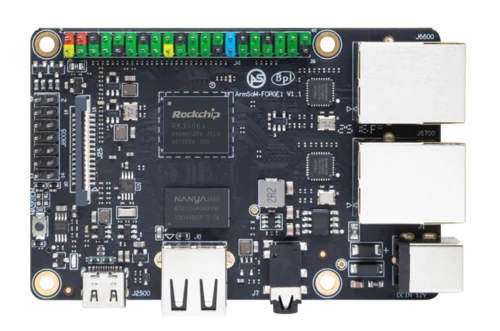
ArmSoM Forge1
Choose the health signal
Decide what demonstrates that the device is doing useful work: a completed control cycle, a responsive service or another application-specific result. A process being alive may not be enough. Test a hung service and an unavailable dependency, then observe reset and restart behavior. Record how repeated failures are handled.
Use several recovery levels
A service manager can restart an application; a hardware watchdog may reset a host that no longer responds. Confirm the available device and driver before enabling it. Document timeout and handover behavior across boot, shutdown and updates. A badly integrated watchdog can create a boot loop instead of improving availability.
Inject failures deliberately
Test a stopped process, blocked worker, lost network and simulated storage failure on a disposable test setup. Record whether data remains consistent and whether the system returns automatically. Include repeated failures and a failed update. Keep a recovery method that works even when the normal application cannot start.
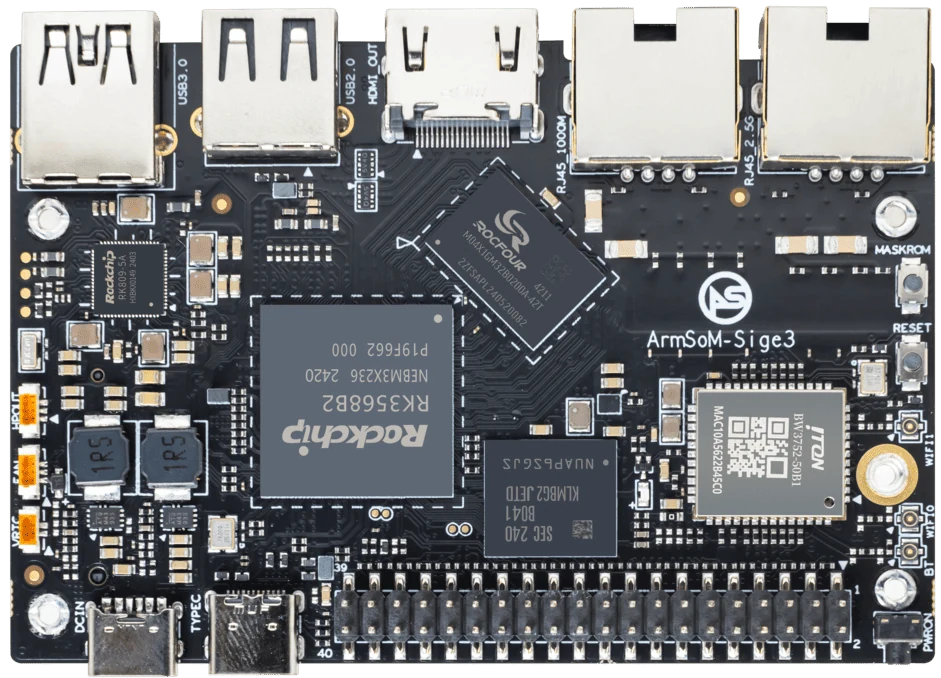
ArmSoM Sige3
Match the choice to your requirements
Requirement or situation | What to evaluate | Decision detail |
Application stall | Service-level restart | Confirm actual progress resumes. |
Host failure | Hardware watchdog if supported | Verify reset and boot recovery. |
Persistent fault | Recovery or maintenance mode | Avoid endless unattended reboot loops. |
Example design
A watchdog must detect the failure that matters
Restarting a board after a deliberately stopped process is a useful first check, but the real failure might be a deadlocked service that still leaves another process feeding the watchdog. Decide what health condition permits a feed. Test recovery without creating an endless restart loop, and preserve enough diagnostics to explain the event after reboot. Hardware and driver behavior must be confirmed on the selected image.
Hardware and documentation
CM1 · RK3506J
RK3506J with three Cortex-A7 cores, a Cortex-M0 and 256 MB / 512 MB DDR3L options. The 5 V module supply differs from the CM1-IO carrier’s 12 V input.
Hardware documentation · Product details
Forge1 · RK3506J
RK3506J development board with 512 MB DDR3L, NAND storage and dual 100 Mbps Ethernet. Check the complete interface circuit before field wiring.
Hardware documentation · Product details
Sige3 · RK3568B2
RK3568B2 with a 2.5GbE port and a separate Gigabit Ethernet port. Consult the revision-specific manual for expansion and boot support.
Hardware documentation · Product details
Frequently asked questions
Is automatic restart enough for reliability?
No. The application must also preserve or safely recover its state and reveal repeated faults.
Product information and support
Sources
Written by ArmSoM using the documentation below. Example designs are proposals, not measured customer installations.