

CSI and USB cameras offer different integration tradeoffs. CSI depends closely on sensor and board support; USB can simplify some connections but introduces its own bandwidth, power and driver requirements. Start with the sensor and capture format the application needs.
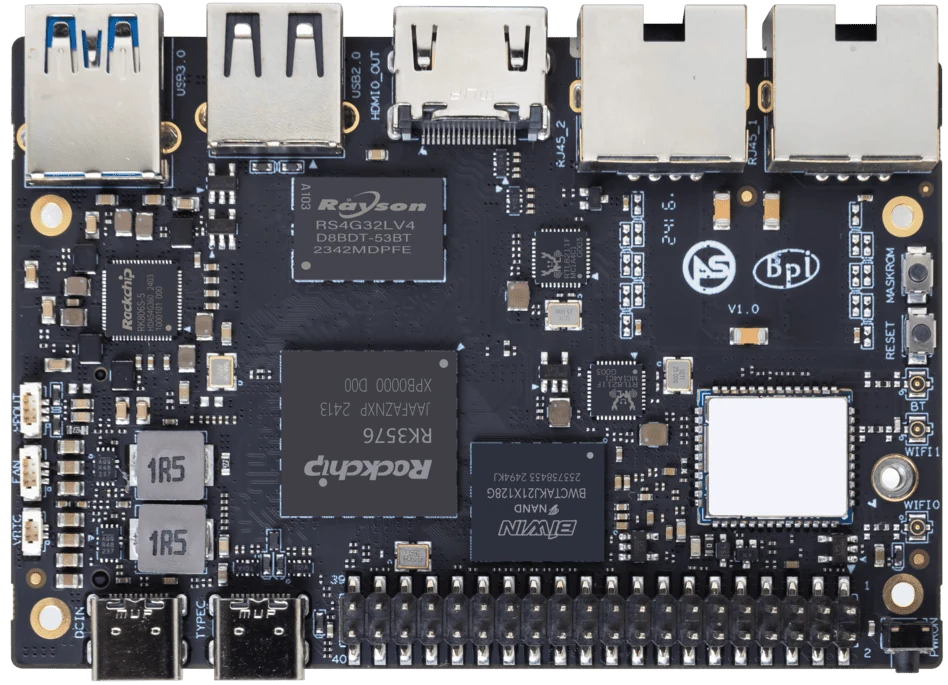
ArmSoM Sige5
Compare complete camera assemblies
Include the module, cable, bridge and power arrangement rather than comparing connector names. Check supported formats and frame rates under the target image. Test control functions such as exposure as well as image delivery. For multiple cameras, examine the shared bus or lane arrangement before assuming each can run at its individual maximum.
USB moves some work into the camera
A USB camera may provide processed or compressed output through a supported device interface. That can simplify sensor integration, but USB topology, format negotiation, power and cable quality still matter. Multiple cameras can share bandwidth or create decoding work. Check the actual modes advertised by the device instead of relying only on a resolution printed on the box.
Compare the final pipeline
Use the same scene and application requirement. Measure capture latency, CPU work, stability and image quality in the intended lighting. Consider service replacement: a USB camera can be convenient to swap, while a fixed CSI assembly may better fit a compact enclosure. Select on those requirements rather than assuming one bus is always faster.
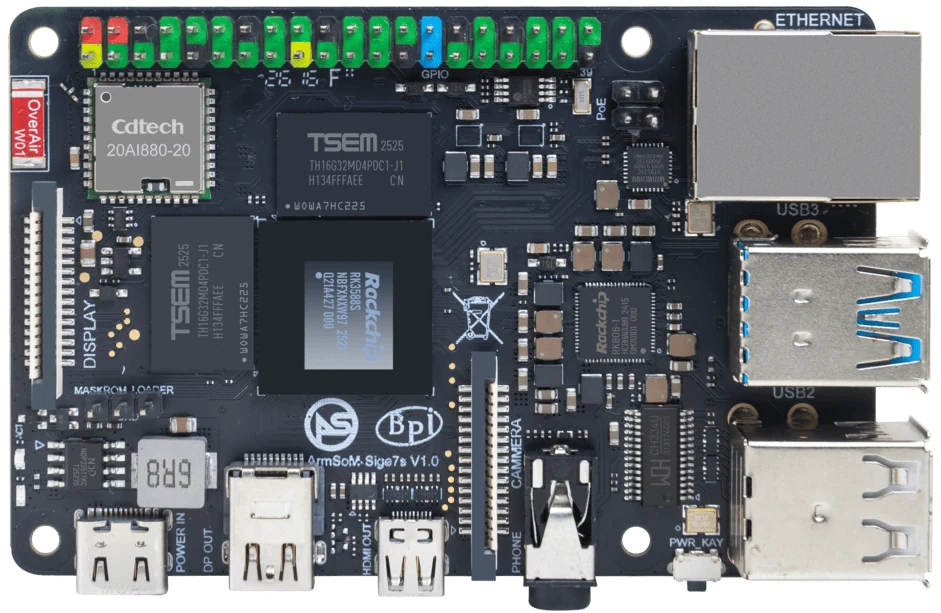
ArmSoM Sige7s
Match the choice to your requirements
Requirement or situation | What to evaluate | Decision detail |
CSI | Sensor and board integration | Validate wiring, driver and tuning. |
USB | Peripheral and bus integration | Check formats, topology and power. |
Application | Image quality and response time | Test the end-to-end result. |
Example design
Choose a camera connection around installation constraints
A fixed camera inside a compact enclosure may suit a documented CSI connection. A replaceable camera separated from the computer may be easier to service through USB. Neither choice guarantees the required image quality or latency. Include cable routing, available power, supported controls and failure recovery in the decision. If several USB cameras share a controller, evaluate their combined traffic rather than multiplying one camera’s result.
Hardware and documentation
Sige7s · RK3588S
RK3588S, 6 TOPS NPU, Gigabit Ethernet and removable eMMC. Dimensions: 85 × 56 × 17 mm. Disconnect power before replacing eMMC.
Hardware documentation · Product details
Sige5 · RK3576
RK3576, four Cortex-A72 and four Cortex-A53 cores, 6 TOPS NPU, dual Gigabit Ethernet and M.2 PCIe 2.1 x1.
Hardware documentation · Product details
Frequently asked questions
Are all USB cameras driver-free?
No. Check the supported device class, formats and target operating system.
Product information and support
Sources
Written by ArmSoM using the documentation below. Example designs are proposals, not measured customer installations.