

Hardware video decoding only helps when the player uses the supported decoder path. A processor’s codec list is not evidence that a particular Linux image accelerates a file. Inspect the running backend and measure the actual playback workload.
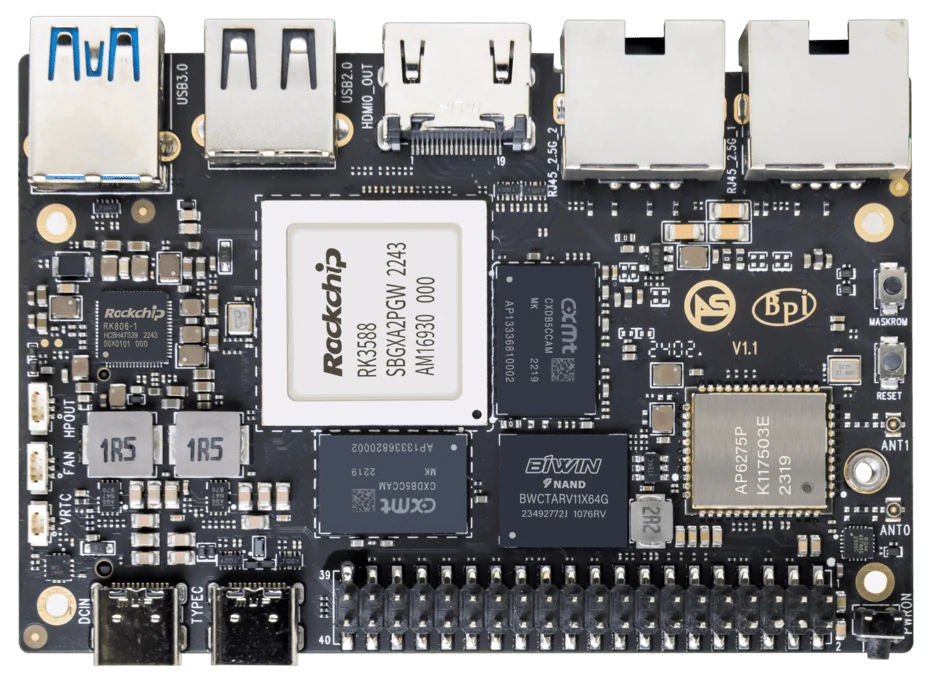
ArmSoM Sige7
Confirm the decoder in use
Record the codec, profile, resolution and bitrate of the test file. Check player logs or supported diagnostic tools to identify the decoder backend. Compare CPU use and dropped frames during sustained playback, including the intended display mode. Keep that evidence with the image and player version.
Observe rather than infer
Inspect the application’s decoder selection and relevant device access. Compare CPU load and frame behavior with a known software path only when the application supports a controlled comparison. Low CPU use alone is not conclusive evidence. Record errors and fallback messages, especially after an update.
Test the application workload
Run representative files for an extended period, then add the display composition, recording or network tasks that will run in deployment. Check seeking, looping and damaged-input handling where relevant. Keep the sample media and configuration so another engineer can repeat the observation. Report a tested codec and mode, not a universal “all video accelerated” claim.
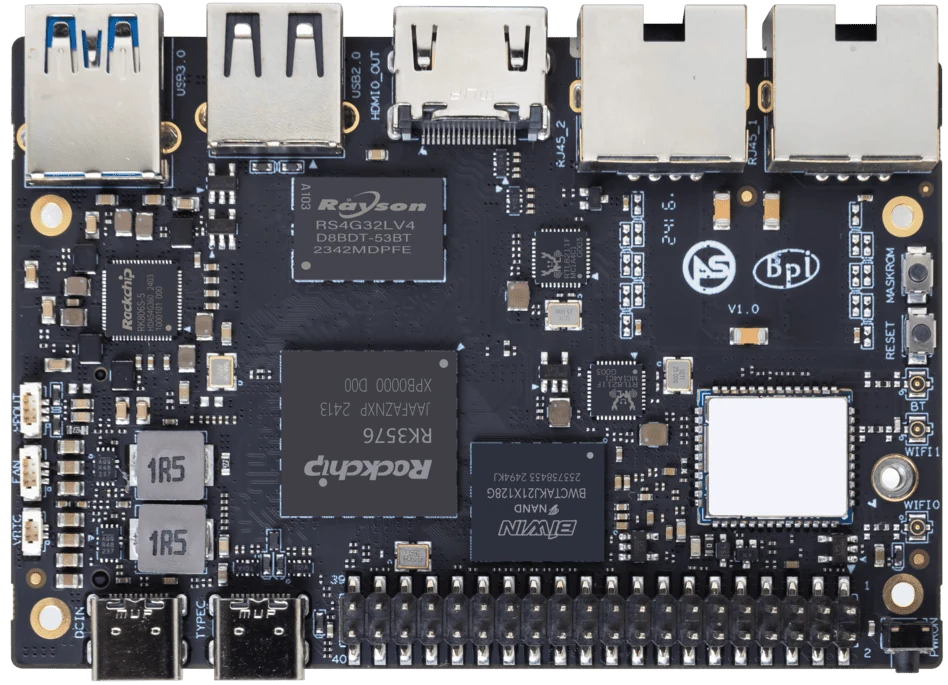
ArmSoM Sige5
Match the choice to your requirements
Requirement or situation | What to evaluate | Decision detail |
Input | Codec, profile and frame size | Match supported formats. |
Decoder | Actual backend and logs | Identify fallback behavior. |
Deployment | Concurrent tasks and duration | Check sustained playback. |
Example design
Confirm that a player is using the media hardware
A video can play successfully while being decoded in software. Identify the decoder selected by the application, then compare CPU load and frame-drop information with hardware acceleration enabled and disabled where supported. Keep the input clip and display mode identical. Test representative codec profiles rather than assuming that one H.264 clip proves support for every format or resolution.
Hardware and documentation
Sige7 · RK3588
RK3588, 6 TOPS NPU, dual 2.5GbE and M.2 PCIe 3.0 x4. Check the selected eMMC and wireless configuration.
Hardware documentation · Product details
Sige5 · RK3576
RK3576, four Cortex-A72 and four Cortex-A53 cores, 6 TOPS NPU, dual Gigabit Ethernet and M.2 PCIe 2.1 x1.
Hardware documentation · Product details
Frequently asked questions
Does a low CPU percentage prove VPU use?
No. Use direct application and driver evidence alongside resource observations.
Product information and support
Sources
Written by ArmSoM using the documentation below. Example designs are proposals, not measured customer installations.