

HDMI, DisplayPort and MIPI DSI solve different display connections. A monitor, an embedded panel and a touchscreen assembly need different hardware and software work. Choose the display path from the actual panel specification, not just the available board socket.
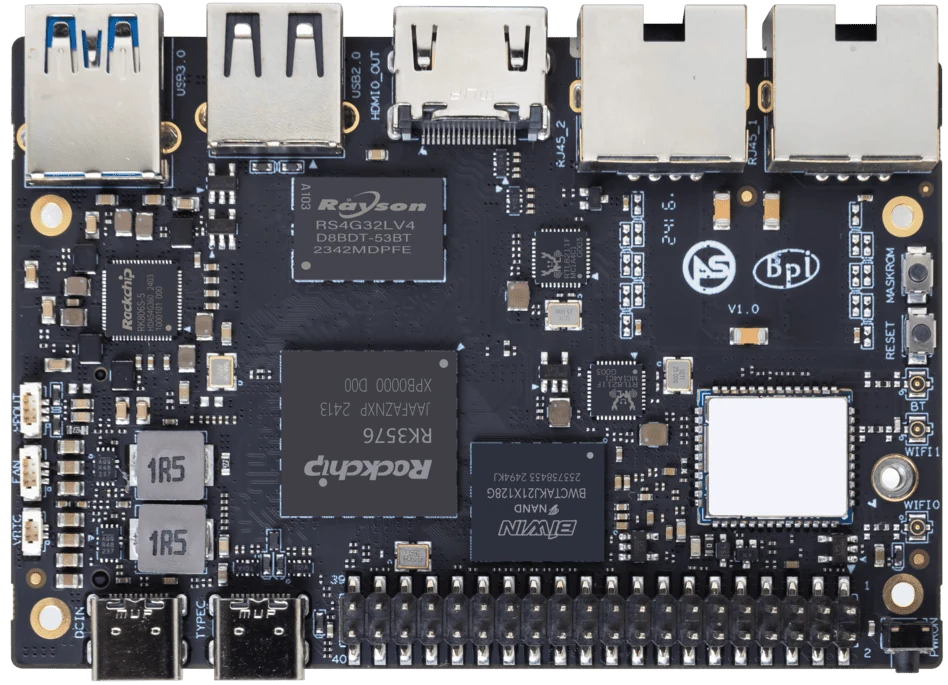
ArmSoM Sige5
Identify the panel and its control requirements
Record resolution, timing, interface and power requirements. For an embedded display, include backlight control and touch input as separate functions. Check the target image for the required driver or bridge configuration. A visible boot logo does not validate brightness control, suspend behavior or the application’s final mode.
Treat DSI panels as integrated peripherals
A DSI connector does not make arbitrary panels interchangeable. Pinout, lane count, power rails, reset sequence and initialization commands must match. Touch input may use a separate USB or I2C connection. Select a documented panel or budget driver and carrier work for a new one.
Design for startup and service
Test cold boot, monitor reconnect, orientation and the final application. A kiosk that starts with the screen off may expose a different issue from a desktop session with a connected monitor. If using a compute module, confirm the carrier routing and enclosure access. Keep an external recovery method available when the built-in panel is unavailable.
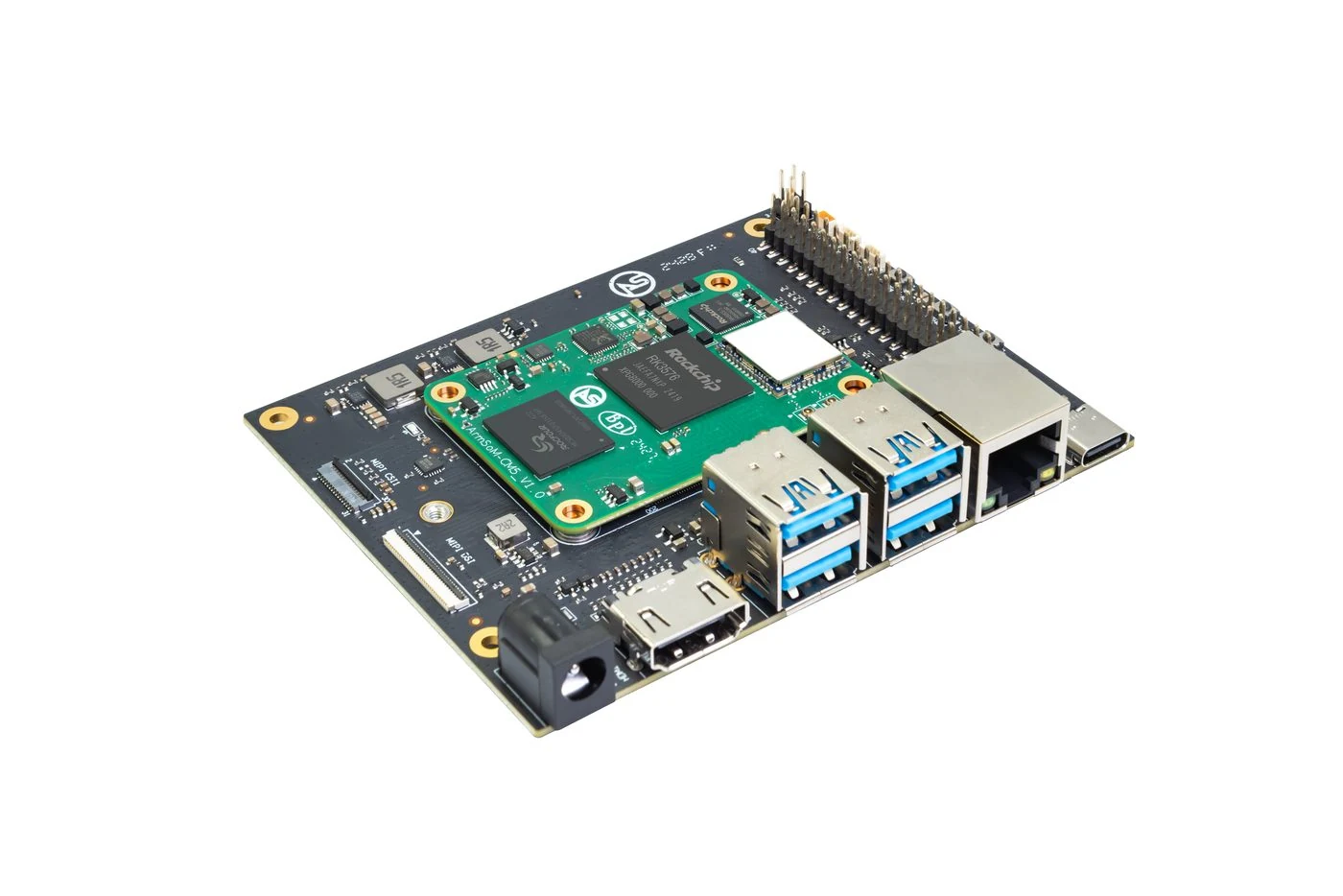
ArmSoM CM5 evaluation carrier and module.
Match the choice to your requirements
Requirement or situation | What to evaluate | Decision detail |
HDMI / DP | External monitor and cable | Validate the required mode. |
DSI | Panel-specific integration | Check power, initialization and touch. |
Carrier design | Actual routed output | Do not infer from SoC specifications. |
Example design
Select the display path before the enclosure
A kiosk with a built-in panel and a signage player attached to a standard monitor have different integration needs. HDMI can simplify connection to a monitor, while DSI requires a supported panel, cable and driver configuration. Check touch input separately from display output. A panel lighting up once is only the first test; startup ordering, blanking, brightness control and wake behavior can determine whether it is usable in a product.
Hardware and documentation
Sige7s · RK3588S
RK3588S, 6 TOPS NPU, Gigabit Ethernet and removable eMMC. Dimensions: 85 × 56 × 17 mm. Disconnect power before replacing eMMC.
Hardware documentation · Product details
Sige5 · RK3576
RK3576, four Cortex-A72 and four Cortex-A53 cores, 6 TOPS NPU, dual Gigabit Ethernet and M.2 PCIe 2.1 x1.
Hardware documentation · Product details
CM5 · RK3576
RK3576 module, 6 TOPS NPU, 55 × 40 mm and two 100-pin connectors. Module supply: 4 V recommended, 5.5 V maximum. The planned v2.0 memory option is LPDDR4/4x; current availability must be confirmed.
Hardware documentation · Product details
Frequently asked questions
Can I connect any DSI screen with a matching ribbon?
No. Mechanical fit is only one part of compatibility.
Product information and support
Sources
Written by ArmSoM using the documentation below. Example designs are proposals, not measured customer installations.