

Moving a CM4 application to a Rockchip module usually means rebuilding it on a different board-support package. Application data and portable code may transfer cleanly; boot files, device trees and Raspberry Pi-specific hardware libraries need separate treatment.
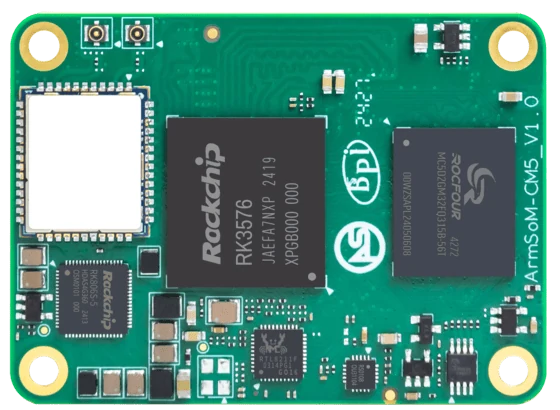
ArmSoM CM5
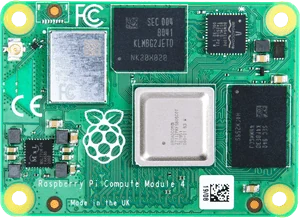
Raspberry Pi Compute Module 4 Photo: Raspberry Pi
Images identify the boards and are not to physical scale. Pictured configurations and included accessories may differ.
Separate application dependencies from board dependencies
List services, packages and data paths, then identify anything that talks directly to GPIO, cameras, displays or accelerated media. Reinstall ordinary application components on the target image first. Port hardware-dependent components individually so a driver problem does not get confused with a missing package or configuration file.
Migrate in observable stages
Boot the supported CM5 image, confirm networking and storage, then run the application without optional hardware acceleration. Restore data into a test copy and compare outputs. Add camera, display and NPU support one component at a time. Retain the original device and backup until the new deployment survives the expected operating cycle and a deliberate restore test.
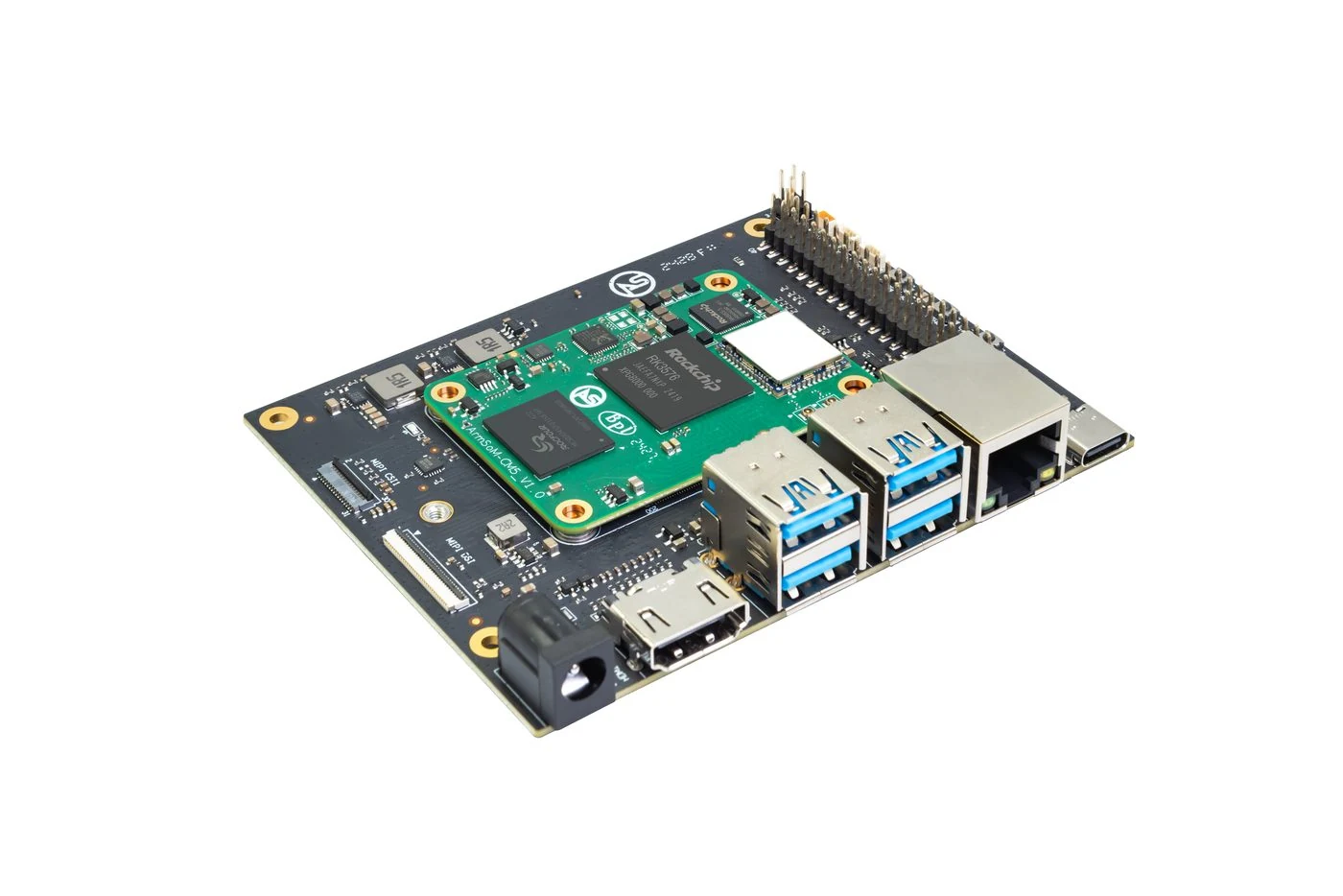
ArmSoM CM5 evaluation carrier and module.
Match the choice to your requirements
Requirement or situation | What to evaluate | Decision detail |
Portable application logic | Rebuild for target userspace | Verify architecture and library versions. |
Hardware access | Replace board-specific adapters | Test pin, camera and display behaviour. |
Persistent data | Restore a copy first | Check schema migrations and rollback. |
Example design
Move application logic without copying board assumptions
A CM4 application may combine portable business logic with Pi-specific camera, GPIO and boot configuration. Extract those dependencies into a small inventory. Rebuild the portable part on the CM5 image, then replace one hardware-dependent layer at a time. Preserve the original data format so output can be compared. A migration becomes easier to debug when a change in acquisition, processing and display does not happen in the same step.
Hardware and documentation
CM5 · RK3576
RK3576 module, 6 TOPS NPU, 55 × 40 mm and two 100-pin connectors. Module supply: 4 V recommended, 5.5 V maximum. The planned v2.0 memory option is LPDDR4/4x; current availability must be confirmed.
Hardware documentation · Product details
Frequently asked questions
Can Docker make the old image hardware-independent?
No. Containers do not supply missing kernel drivers or make device mappings identical.
Product information and support
Sources
Written by ArmSoM using the documentation below. Example designs are proposals, not measured customer installations.