

A local web dashboard can make a headless device easier to operate without a desktop environment. It still needs authentication, controlled hardware access and behavior for lost connections. Keep the browser interface separate from the process that manages the device.
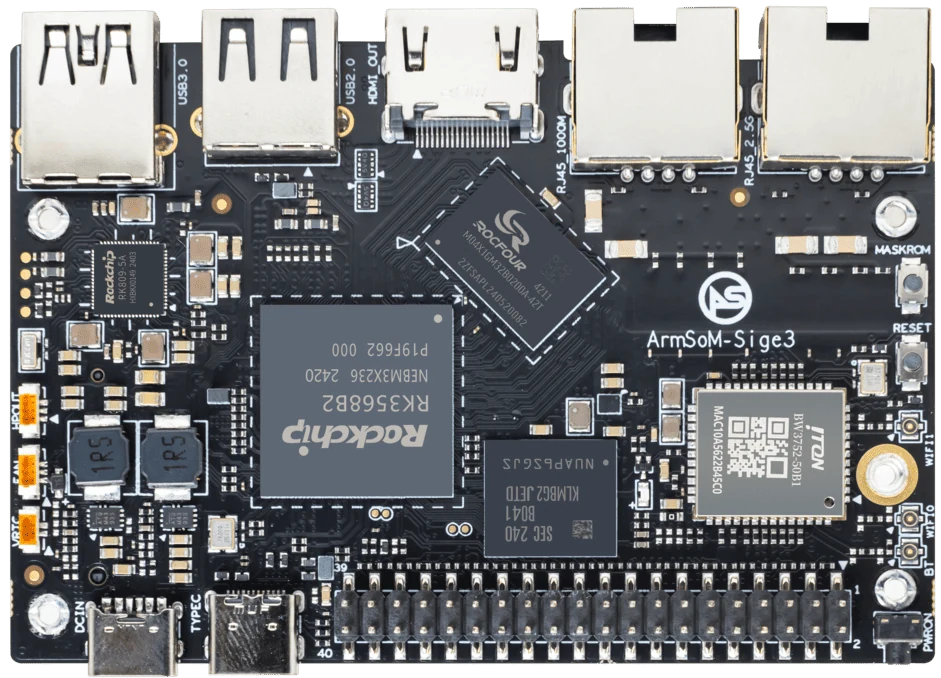
ArmSoM Sige3
Define the actions the dashboard can perform
List which information is read-only and which controls change device state. Keep hardware permissions in a limited backend service rather than exposing unrestricted commands. Test reconnection and stale data handling in the browser. The operator should be able to distinguish a disconnected interface from a healthy device.
Decide who can reach it
Local does not automatically mean private. Bind the service to the intended interface, configure access controls and avoid exposing a development server directly to the internet. Separate read-only status from administrative actions. Keep credentials outside the article and outside a public project repository.
Make startup and maintenance predictable
Run the application under an appropriate service manager with logs and a dedicated account. Test boot without network, service restart and storage exhaustion. Keep configuration and application versions together so a replacement board can be provisioned. A simple responsive interface is often more useful than a heavy dashboard framework on a small embedded system.
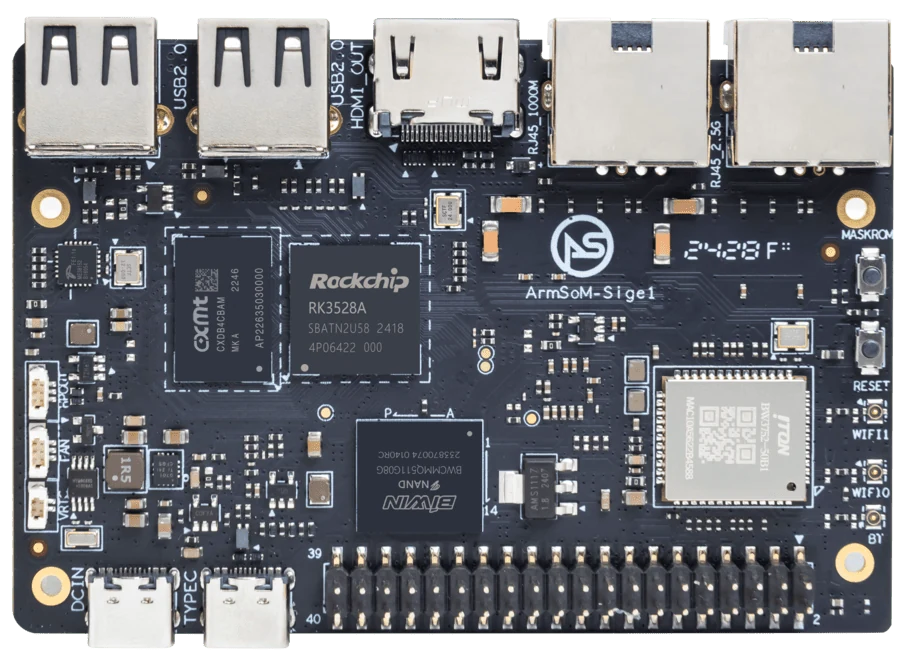
ArmSoM Sige1
Match the choice to your requirements
Requirement or situation | What to evaluate | Decision detail |
Data | Collector and timestamps | Distinguish missing from old values. |
Access | Network binding and permissions | Protect state-changing operations. |
Operation | Startup, logs and updates | Verify unattended recovery. |
Example design
A local dashboard should survive without internet access
An equipment dashboard may need to remain available when an upstream service fails. Define which data is stored locally, how stale readings are shown and who can change settings. Test browser reconnects and service restarts with the actual number of users. A small board can be sufficient for a focused interface, but that conclusion should follow a measured application workload.
Hardware and documentation
Sige1 · RK3528
RK3528 single-board computer. Use the Sige1 hardware guide and matching image for setup.
Hardware documentation · Product details
Sige3 · RK3568B2
RK3568B2 with a 2.5GbE port and a separate Gigabit Ethernet port. Consult the revision-specific manual for expansion and boot support.
Hardware documentation · Product details
Frequently asked questions
Does a dashboard require a screen on the SBC?
No. It can be viewed from another authorized device on the intended network.
Product information and support
Sources
Written by ArmSoM using the documentation below. Example designs are proposals, not measured customer installations.