

A backup is useful when it can restore the device someone actually deployed. Image files alone may omit configuration, credentials or customer data. Keep a recoverable system image and a separate record of device-specific state.
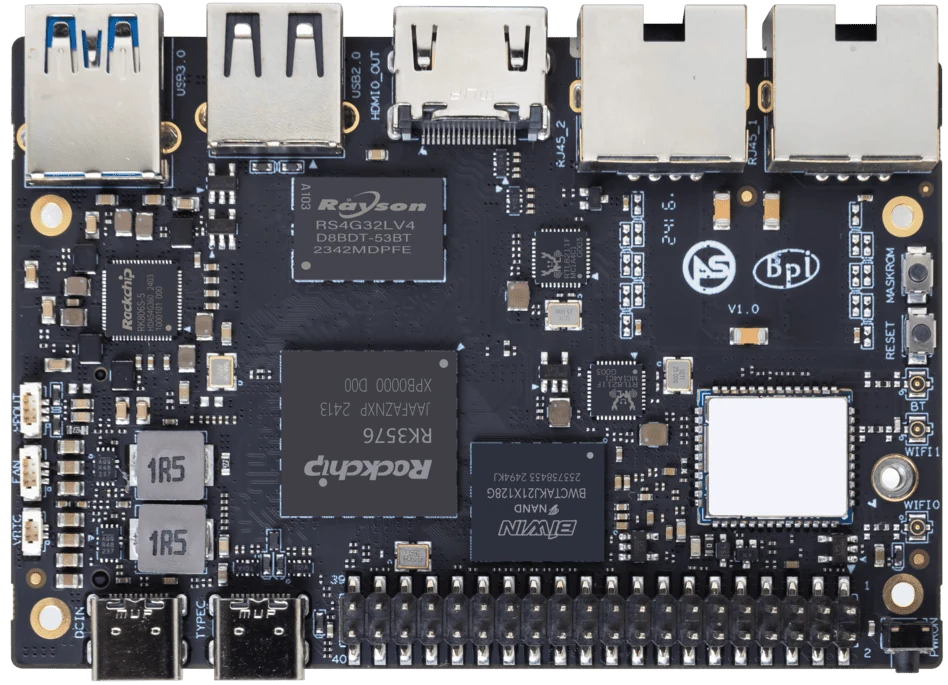
ArmSoM Sige5
Rebuild a spare device from the backup
Use the documented image and restore process without copying extra files from the working device afterward. Check services, network identity and application data. Note every missing step and repeat the procedure until it is complete. Protect credentials in the backup and avoid duplicating a live device’s identity during the test.
Separate recovery from portability
A full disk image can help recover the original board, but it is not generally a boot image for a different SoC. Application source, configuration and data exports form the portable part. Record which files are board-specific and which can move unchanged. Keep the original storage untouched during early target-board experiments.
Perform a restore rehearsal
Restore into a safe environment and verify data counts, permissions and representative application behavior. Compare timestamps and file checksums where useful. Test the target’s backup process as well as the initial migration. Define a cutover point and rollback condition so a failed transition does not leave two inconsistent systems serving users.
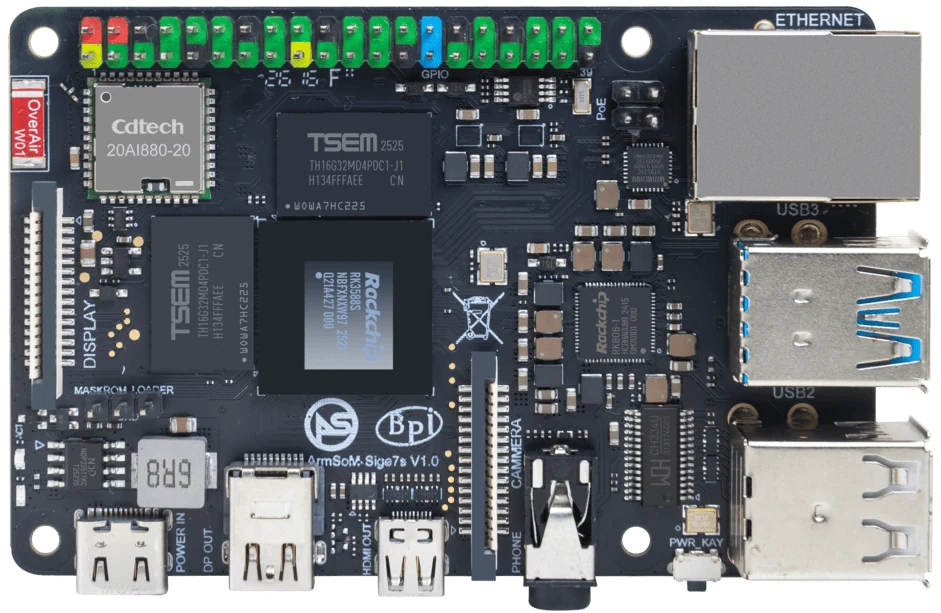
ArmSoM Sige7s
Match the choice to your requirements
Requirement or situation | What to evaluate | Decision detail |
Original recovery | Full image and boot details | Keep a route back. |
Portable application | Source, configuration and data | Remove board-specific assumptions. |
Proof | Restore rehearsal and comparison | Do not rely on backup completion alone. |
Example design
A backup is useful only if it restores the whole service
Copying application files may omit database state, permissions, service configuration or device-specific settings. Define what must be restored to bring the project back into service. Test the procedure on spare media or a separate board and record the time required. Keep secrets out of publicly shared images while retaining a secure process for restoring them in a real deployment.
Hardware and documentation
Sige5 · RK3576
RK3576, four Cortex-A72 and four Cortex-A53 cores, 6 TOPS NPU, dual Gigabit Ethernet and M.2 PCIe 2.1 x1.
Hardware documentation · Product details
Sige7s · RK3588S
RK3588S, 6 TOPS NPU, Gigabit Ethernet and removable eMMC. Dimensions: 85 × 56 × 17 mm. Disconnect power before replacing eMMC.
Hardware documentation · Product details
Frequently asked questions
Can a Raspberry Pi SD image be flashed directly to an ArmSoM board?
Do not assume it can boot. Use the board’s supported image and migrate the portable application and data.
Product information and support
Sources
Written by ArmSoM using the documentation below. Example designs are proposals, not measured customer installations.