

An Armbian download is useful only when it matches the exact board and the interfaces your application needs. Support status and image contents change over time. Read the current board entry and release notes, then validate that image rather than relying on the distribution name.
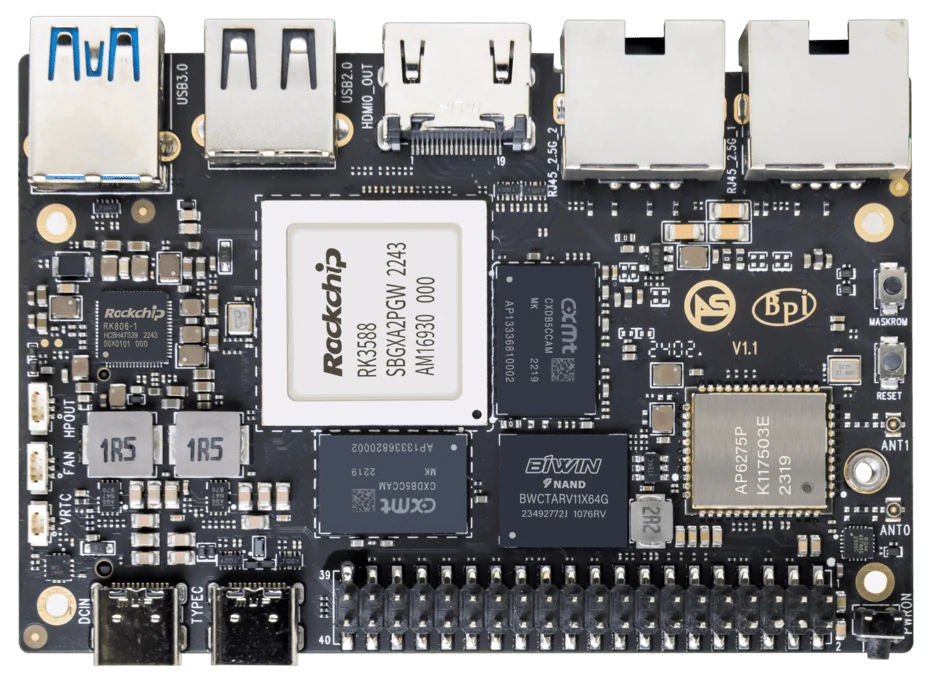
ArmSoM Sige7
Check the board entry, not just the SoC
Record the image date, kernel branch and stated support status. Look for known limitations affecting storage, networking, graphics or cameras. A board that boots can still lack an interface your application depends on. Keep the downloaded image checksum and configuration with the project so the working setup can be rebuilt.
Check the interfaces your application needs
Boot support is a starting point. List storage, Ethernet, Wi-Fi, display, camera, audio and acceleration separately. For a headless Sige7 server, network and storage support may decide the image choice. A Sige5 camera application has additional requirements. Ask for evidence about that combination instead of a general statement that Armbian supports Rockchip.
Treat upgrades as a managed change
Keep a working recovery image and test updates on a spare device. Watch for changes in device naming, overlays and kernel branches. If a feature relies on a downstream patch, document that dependency. Community contribution is valuable, but it should not be presented as a contractual support commitment.
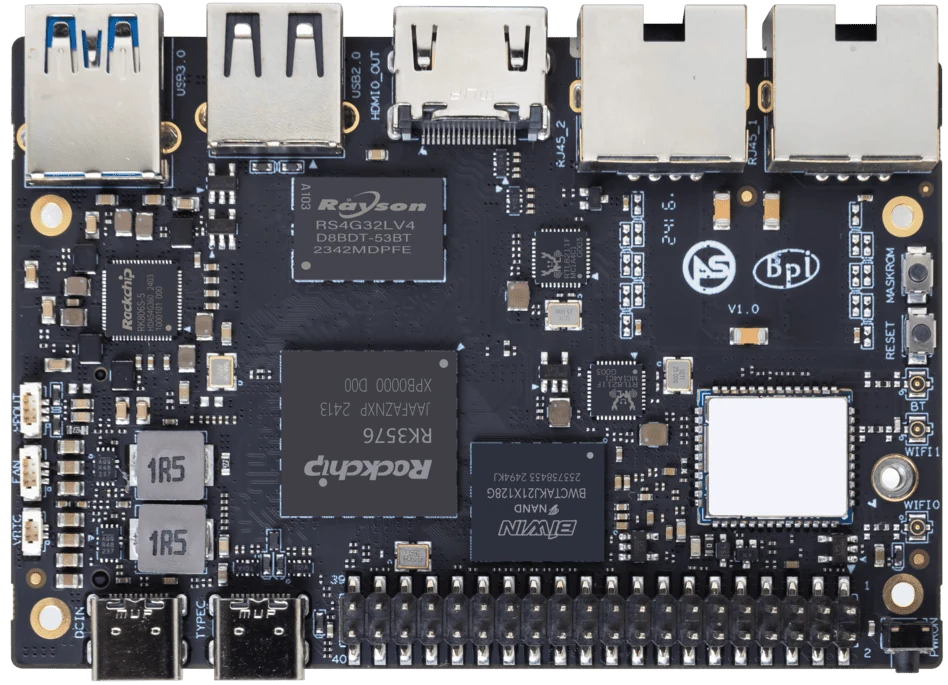
ArmSoM Sige5
Match the choice to your requirements
Requirement or situation | What to evaluate | Decision detail |
Exact board | Match name and revision | Do not substitute a similar model. |
Support level | Read current Armbian policy | Distinguish maintenance expectations. |
Required devices | Verify against the chosen image | Record limitations and workarounds. |
Example design
Read support status as an operational commitment
A downloadable Armbian image is not the same as a promise that every board feature is tested. Use the board’s current entry and support category, then check the application’s critical interfaces. A headless server and a camera terminal can reach different decisions about the same image. Keep a working release available and review changes before upgrading a deployed fleet.
Hardware and documentation
Sige7 · RK3588
RK3588, 6 TOPS NPU, dual 2.5GbE and M.2 PCIe 3.0 x4. Check the selected eMMC and wireless configuration.
Hardware documentation · Product details
Sige5 · RK3576
RK3576, four Cortex-A72 and four Cortex-A53 cores, 6 TOPS NPU, dual Gigabit Ethernet and M.2 PCIe 2.1 x1.
Hardware documentation · Product details
Sige7s · RK3588S
RK3588S, 6 TOPS NPU, Gigabit Ethernet and removable eMMC. Dimensions: 85 × 56 × 17 mm. Disconnect power before replacing eMMC.
Hardware documentation · Product details
Frequently asked questions
Does ArmSoM being an Armbian partner prove every image is production-ready?
No. Partnership and board-specific image readiness are different facts.
Should Orange Pi and ArmSoM use the same image?
Only an image explicitly supporting the target board should be used.
Product information and support
Sources
Written by ArmSoM using the documentation below. Example designs are proposals, not measured customer installations.