

A signage player spends more time unattended than being demonstrated. Reliable startup, content updates and recovery after a network outage matter as much as smooth playback. Test the final media format and display arrangement over a representative operating period.
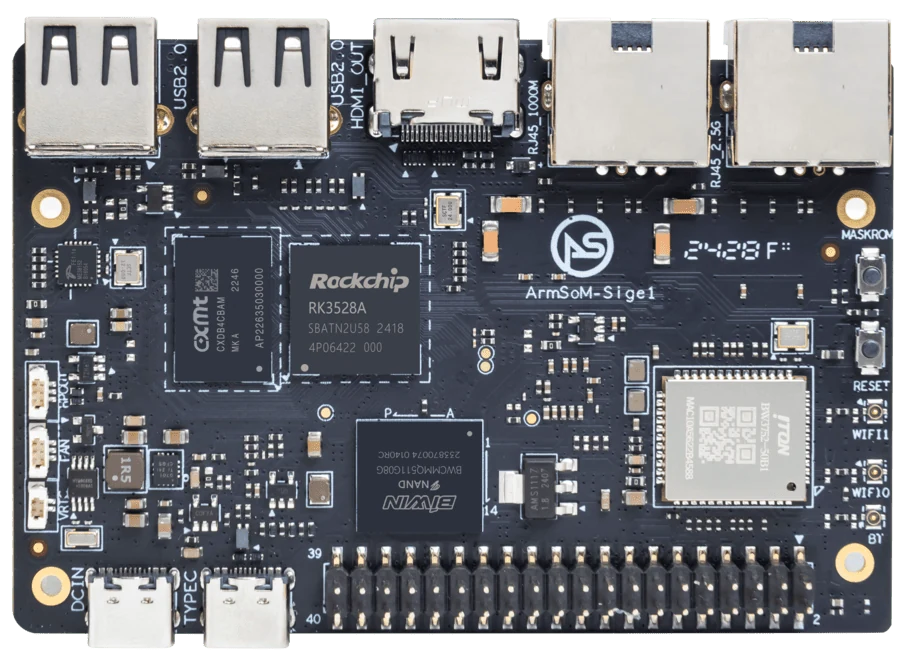
ArmSoM Sige1
Plan local playback during an outage
Decide which content remains available without networking and how interrupted downloads are handled. Keep the currently valid playlist separate from an incomplete update. Test startup without a server, then restore the connection and observe the update behavior. Record the player’s restart policy and the method used for remote maintenance.
Plan disconnected operation
Decide what the screen shows when the network fails or an update is incomplete. Keep a known-good local playlist and use an update process that can recover from interruption. Limit log growth and reserve storage for new content. Document how a site operator can identify a failed unit without accessing a technical console.
Validate the installed enclosure
Test cold startup, scheduled on/off behavior, display reconnection and sustained playback at the intended ambient conditions. Confirm that the power supply and mounting suit the installation. Include remote monitoring and an offline recovery method. A successful desktop playback test is only an early milestone toward an unattended signage product.
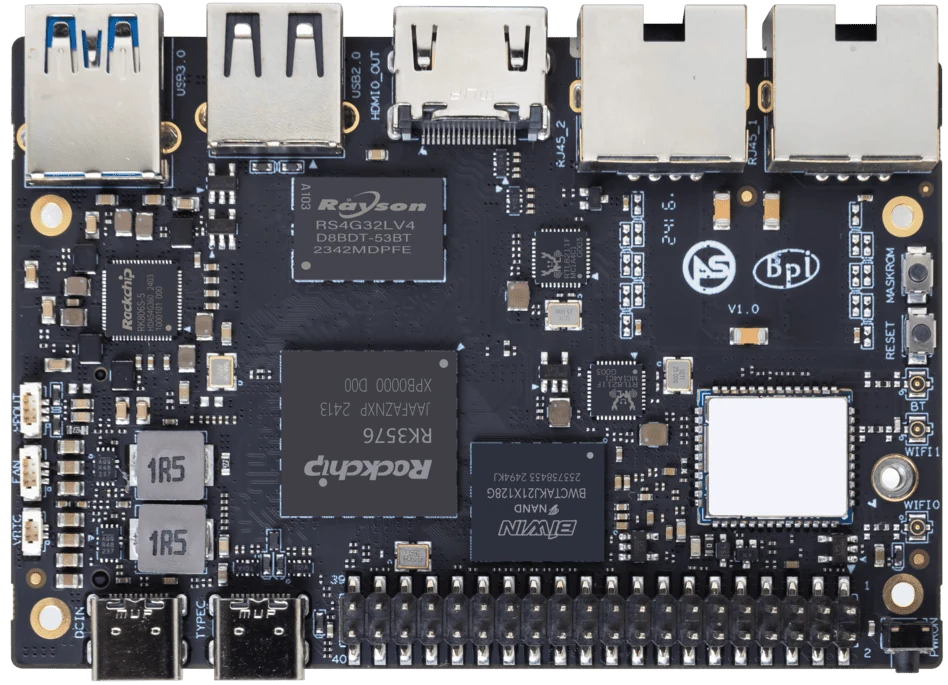
ArmSoM Sige5
Match the choice to your requirements
Requirement or situation | What to evaluate | Decision detail |
Content | Real playlist and web assets | Test the intended workload. |
Network loss | Local fallback behavior | Avoid a permanently blank screen. |
Maintenance | Updates and remote health | Retain rollback and local recovery. |
Example design
Design signage for recovery after a network outage
A useful signage appliance should continue displaying approved local material when its content service is unavailable. Store a known-good playlist, validate downloaded files before activation and keep application restart behavior predictable. Test a power interruption during a content update. The board choice matters, but a recoverable content workflow can be more important than peak video capability for an unattended screen.
Hardware and documentation
Sige1 · RK3528
RK3528 single-board computer. Use the Sige1 hardware guide and matching image for setup.
Hardware documentation · Product details
Sige5 · RK3576
RK3576, four Cortex-A72 and four Cortex-A53 cores, 6 TOPS NPU, dual Gigabit Ethernet and M.2 PCIe 2.1 x1.
Hardware documentation · Product details
Frequently asked questions
Is the highest-performance SBC always needed?
No. The actual codecs, browser workload, display and maintenance requirements should determine the platform.
Product information and support
Sources
Written by ArmSoM using the documentation below. Example designs are proposals, not measured customer installations.