

Low-latency video is a pipeline problem. Capture, buffering, encoding, transport and display all add delay, even when one stage is fast. Measure from the event the camera sees to the output the viewer receives.
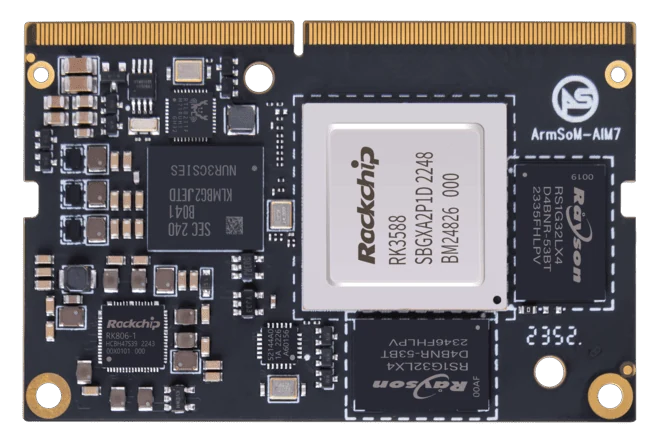
ArmSoM AIM7
Locate the buffers
List the queues in capture software, encoder, network transport and player. Record their settings and test under representative network conditions. Lower buffering may reduce delay while increasing sensitivity to jitter or packet loss. Report latency variation and visible failures together instead of presenting a single best-case number.
Inspect every queue
Camera buffers, encoder settings, transport recovery and player buffering can each add delay. Reducing queues can improve freshness but may increase dropped frames under load. Test the required image quality and network conditions together. On Sige7 or AIM7, verify which hardware media paths the application actually uses.
Include degraded conditions
Run the pipeline with realistic network congestion, storage work and thermal conditions. Check what happens when a camera disconnects or packets are lost. Define whether stale frames should be dropped and how a receiver detects an interrupted feed. Publish results with codec, frame size, rate, network and display details so the number remains meaningful.
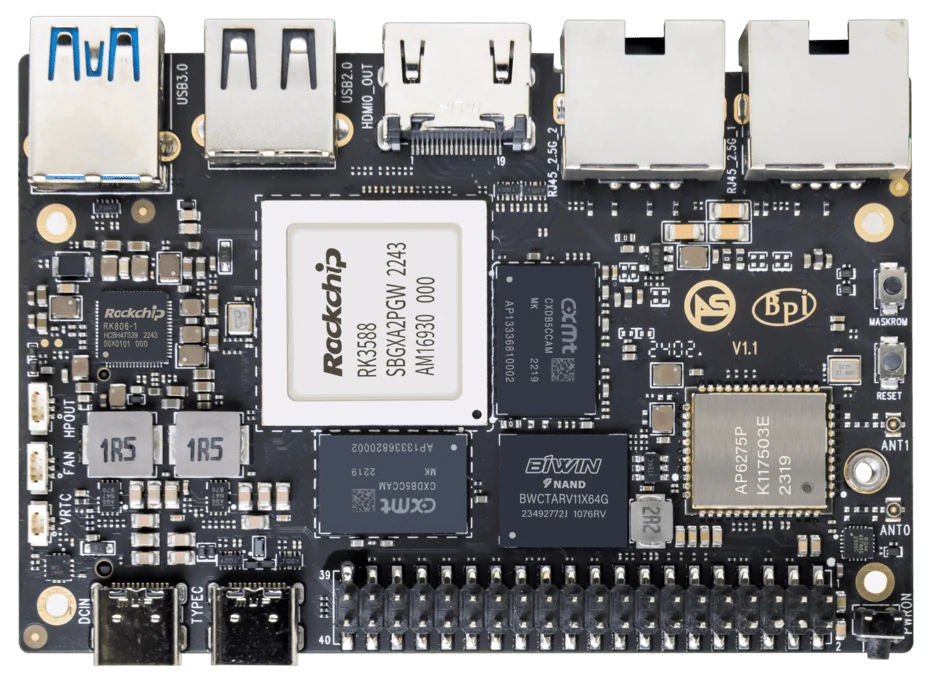
ArmSoM Sige7
Match the choice to your requirements
Requirement or situation | What to evaluate | Decision detail |
Capture and encode | Timestamp and queue policy | Locate early delay. |
Network | Loss and congestion | Test realistic conditions. |
Decode and display | Player buffers and refresh | Measure the final visible result. |
Example design
Measure latency from the event to the displayed result
A low-latency camera link includes exposure, sensor readout, buffering, encoding, transport, decoding and display refresh. Timing only a network packet or model call misses much of the delay. Use a repeatable visible event and synchronized measurements where possible. Report typical and worst-case behavior under the intended network conditions, including congestion, rather than presenting an isolated best result.
Hardware and documentation
Sige7 · RK3588
RK3588, 6 TOPS NPU, dual 2.5GbE and M.2 PCIe 3.0 x4. Check the selected eMMC and wireless configuration.
Hardware documentation · Product details
AIM7 · RK3588
RK3588 module with a 6 TOPS NPU and 260-pin SO-DIMM connector. ArmSoM has tested a Jetson Nano B01 carrier; this does not establish compatibility with all Jetson carriers or NVIDIA software.
Hardware documentation · Product details
Frequently asked questions
Can I claim latency from the encoder specification?
No. The full path and its buffering determine end-to-end latency.
Product information and support
Sources
Written by ArmSoM using the documentation below. Example designs are proposals, not measured customer installations.