

Two display connectors do not prove that an image can drive both at the required resolution and refresh rate. A dual-display ArmSoM project needs validation of simultaneous modes, application layout and recovery after a monitor disconnects.
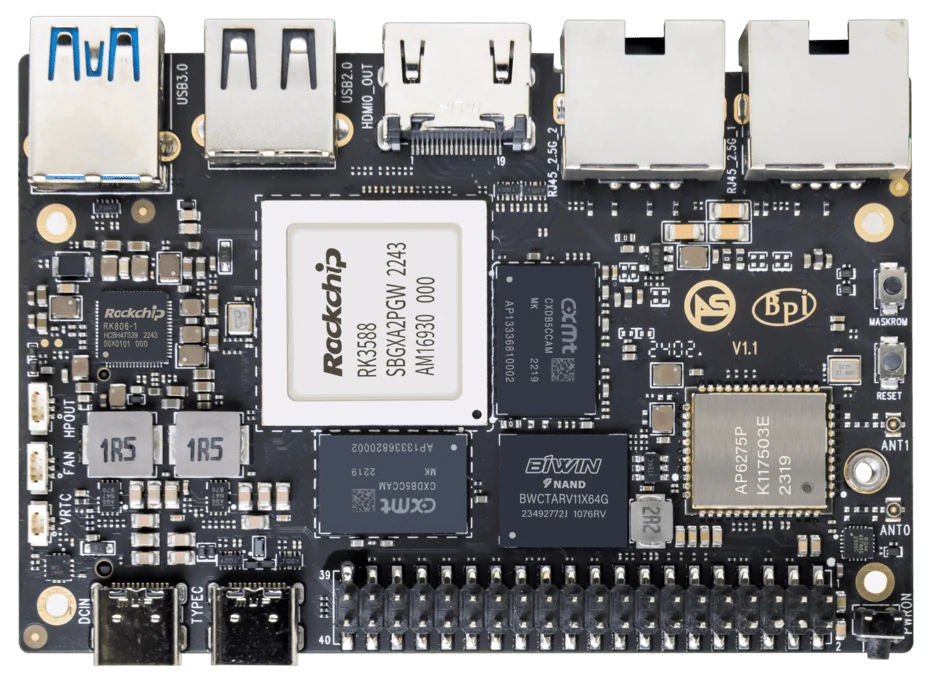
ArmSoM Sige7
Test the displays together
Record both monitor models, cables, modes and the desktop or application backend. Bring up each display independently, then enable the intended combined layout. Check whether mirroring and extended desktop behave differently. Test cold boot, hot-plug and restart with the exact pair rather than qualifying each connector in isolation.
Run the real visual workload
Two static desktops are a lighter test than two videos or a dashboard plus 3D interface. Watch frame pacing, CPU and GPU load, memory pressure and temperature. Confirm that the application selects the correct output after reboot. Test with each display powered on and off in different orders.
Check recovery and user interaction
Reconnect a cable and observe whether windows move or the display identifier changes. Verify touchscreen input mapping if one screen is interactive. Decide how the application behaves when a monitor is absent. Keep logs and a short recording of the tested configuration so a later image update can be compared.
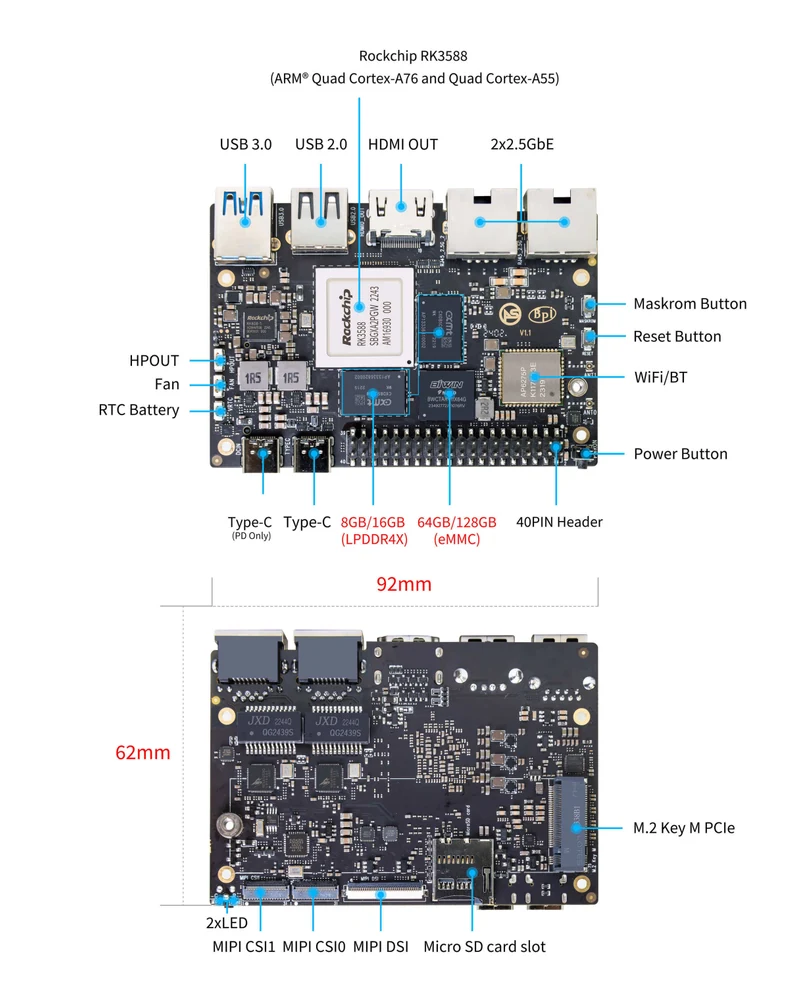
ArmSoM Sige7 board layout reference. Use the current product manual for connector and revision details.
Match the choice to your requirements
Requirement or situation | What to evaluate | Decision detail |
Modes | Two resolutions and refresh rates | Test simultaneously. |
Workload | Actual video or UI | Avoid static-desktop-only claims. |
Recovery | Reconnect and power order | Check output identity and input mapping. |
Example design
Test two displays as one operating configuration
Two individually working monitors do not prove that their requested modes can run together. Record the connector pair, resolution, refresh rate, desktop arrangement and application. Exercise both outputs while the final video or graphics workload is active. Include a monitor that powers on later than the board, because hot-plug and startup behavior can affect unattended installations.
Hardware and documentation
Sige7 · RK3588
RK3588, 6 TOPS NPU, dual 2.5GbE and M.2 PCIe 3.0 x4. Check the selected eMMC and wireless configuration.
Hardware documentation · Product details
Frequently asked questions
Does one successful monitor test prove dual-screen operation?
No. Combined operation can introduce resource and configuration constraints.
Product information and support
Sources
Written by ArmSoM using the documentation below. Example designs are proposals, not measured customer installations.