

More RAM helps when the application needs it; unused capacity does not automatically make a service faster. Choose an ArmSoM memory configuration from measured peak demand, including updates and concurrent work. Leave space for the software the product will actually carry.
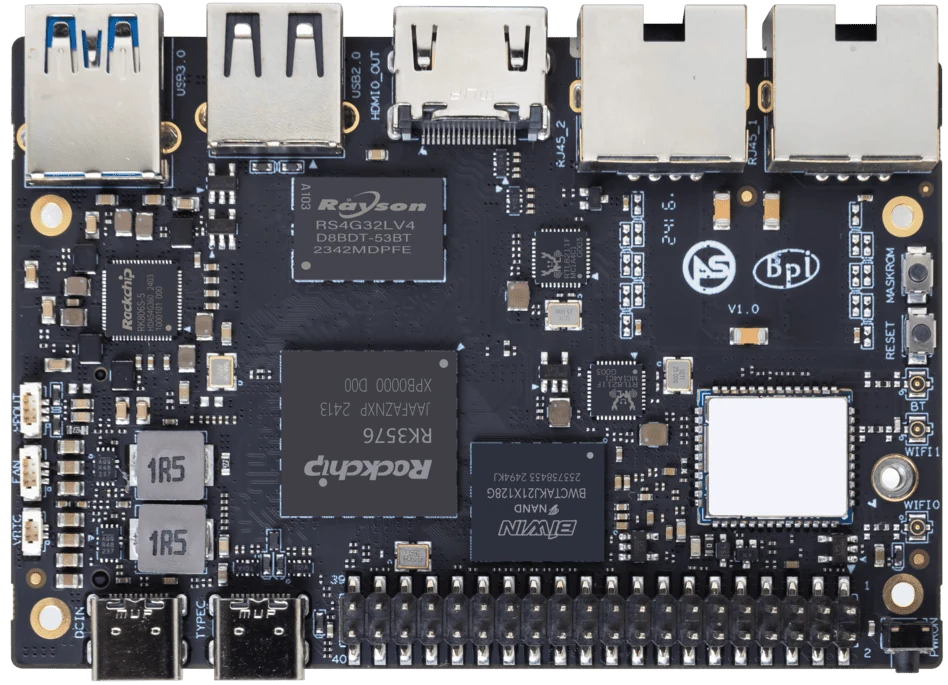
ArmSoM Sige5
Measure peaks, not only idle use
Track memory during startup, media processing, model loading and maintenance tasks. Include buffers, caches and temporary allocations. Investigate swapping or out-of-memory failures rather than treating them as normal operation. Test a representative complete image before fixing a memory size for a production order.
Distinguish capacity from speed
If the system spends time reclaiming memory or swapping, a larger configuration may help. If the bottleneck is a slow storage device, network path or unsupported model operator, more RAM may not address it. Compare Sige5, Sige7 or Sige7s configurations only after identifying the limiting resource.
Choose a configuration with a measured margin
Define the maximum supported workload and leave an explicit operational margin based on observed peaks. Test failure behavior when queues or inputs exceed the limit. Record the selected SKU and image. Avoid declaring a universal minimum for every NAS, AI or desktop application because those labels hide very different memory demands.
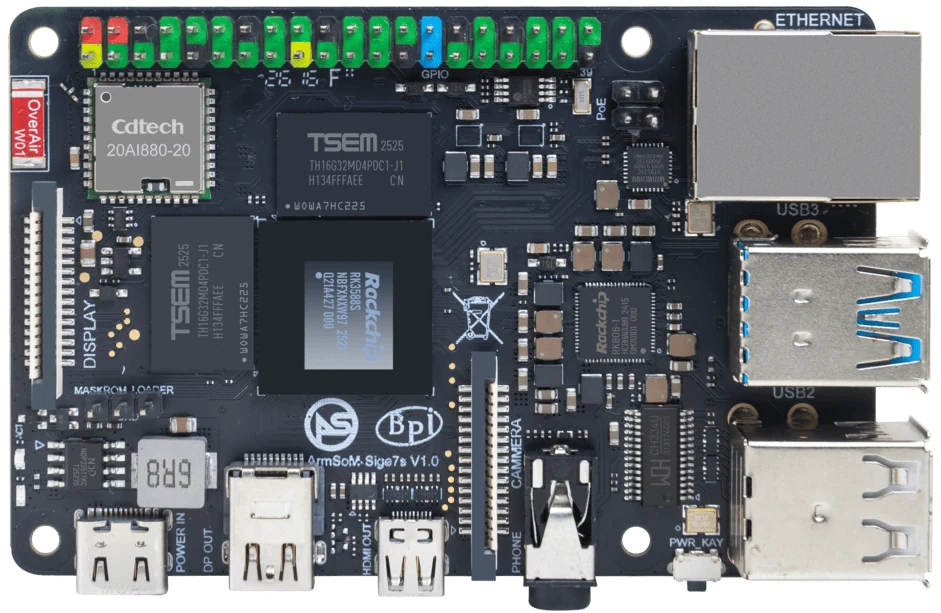
ArmSoM Sige7s
Match the choice to your requirements
Requirement or situation | What to evaluate | Decision detail |
Working set | Normal concurrent services | Measure on the target image. |
Peak | Updates, inputs and reconnects | Capture worst observed use. |
Limit | Pressure and recovery | Set an explicit supported workload. |
Example design
Select RAM from peak concurrency rather than idle usage
A system may run its user interface, inference service and database comfortably until a backup or update overlaps with active processing. Model that overlap and measure it. Distinguish application allocations from reclaimable cache, and leave room for the maintenance process. Choosing more memory can help capacity, but it does not fix a leaking process or an inefficient data pipeline.
Hardware and documentation
Sige5 · RK3576
RK3576, four Cortex-A72 and four Cortex-A53 cores, 6 TOPS NPU, dual Gigabit Ethernet and M.2 PCIe 2.1 x1.
Hardware documentation · Product details
Sige7 · RK3588
RK3588, 6 TOPS NPU, dual 2.5GbE and M.2 PCIe 3.0 x4. Check the selected eMMC and wireless configuration.
Hardware documentation · Product details
Sige7s · RK3588S
RK3588S, 6 TOPS NPU, Gigabit Ethernet and removable eMMC. Dimensions: 85 × 56 × 17 mm. Disconnect power before replacing eMMC.
Hardware documentation · Product details
Frequently asked questions
Does a 6 TOPS NPU remove the need for RAM planning?
No. Models, buffers, applications and the operating system still require memory.
Product information and support
Sources
Written by ArmSoM using the documentation below. Example designs are proposals, not measured customer installations.