

Raspberry Pi 5, Orange Pi 5 Plus and Sige7 reach NVMe storage through different board arrangements. Pi 5 exposes external PCIe for an adapter; the other candidates have their own M.2 implementations. Compare the full connection from host to drive.
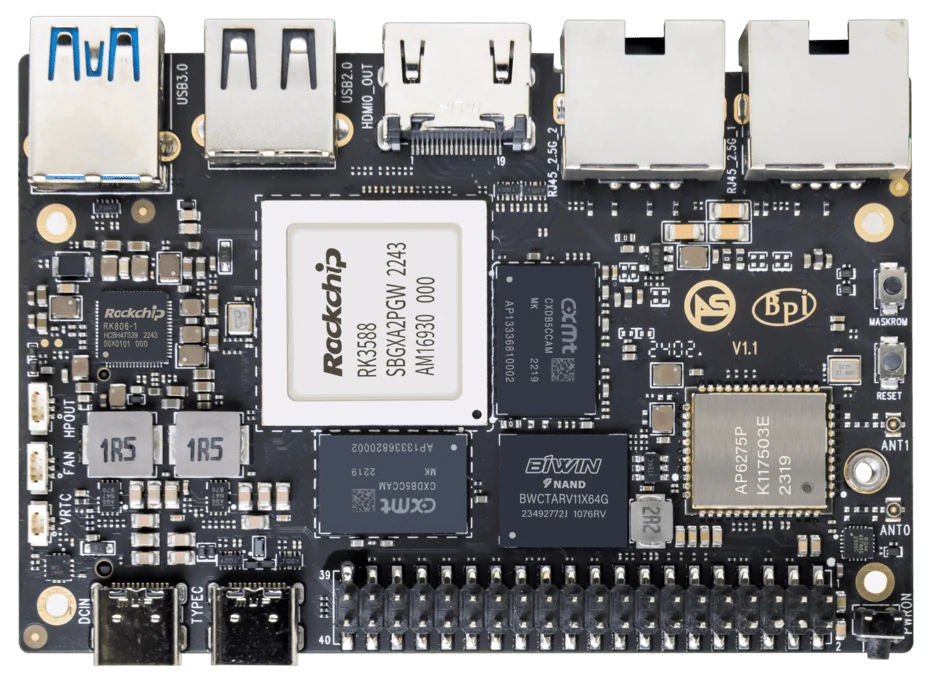
ArmSoM Sige7
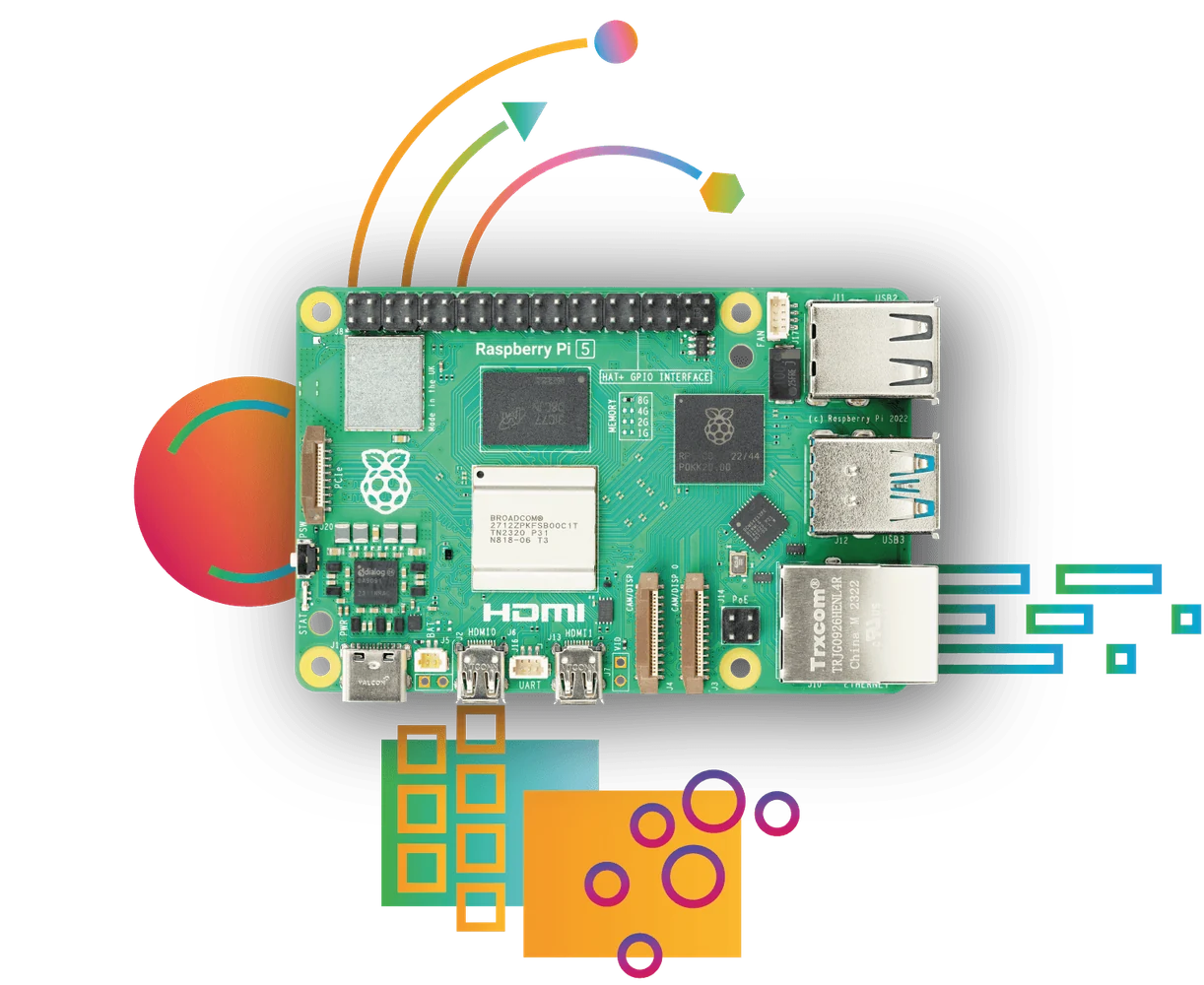
Raspberry Pi 5 Photo: Raspberry Pi
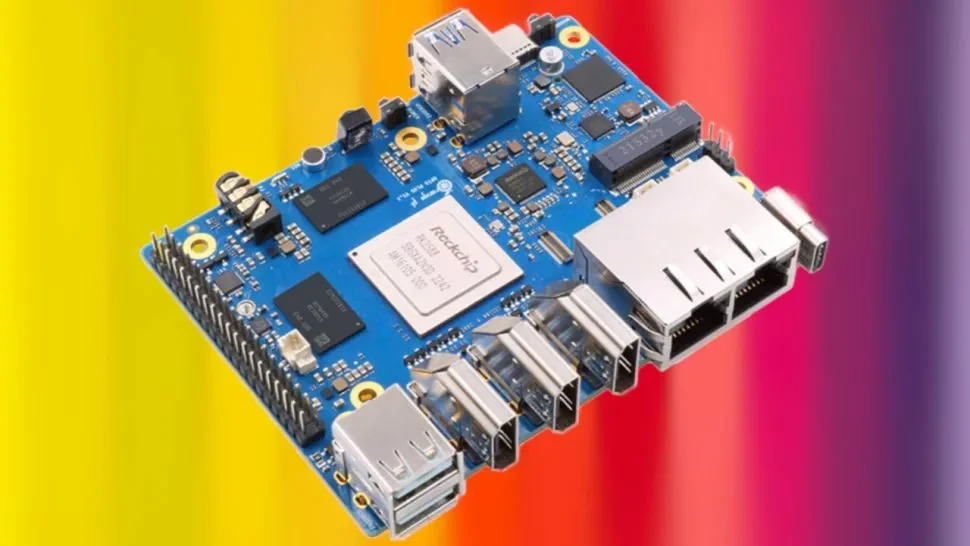
Orange Pi 5 Plus Photo: Orange Pi / orangepi.net product listing
Images identify the boards and are not to physical scale. Pictured configurations and included accessories may differ.
Include adapters in the comparison
List the adapter or carrier, cable, SSD and power arrangement for each setup. Confirm PCIe generation and lane negotiation under the selected image. Run the same filesystem workload on comparable storage, and include the adapter in enclosure and cost planning. A drive’s datasheet limit does not describe its throughput through every host.
Separate link capability from drive performance
Sige7 documents PCIe 3.0 x4 for its M.2 path, while Raspberry Pi lists a PCIe 2.0 x1 interface for Pi 5. These are interface specifications, not measured application throughput. Random access, drive firmware, thermals and filesystem behavior can matter more than peak sequential transfer for a database or container workload.
Test boot and data use independently
A system can use an SSD for data without booting entirely from it. Confirm the supported bootloader procedure and retain recovery media. During evaluation, keep test files on a dedicated volume and avoid destructive benchmarks on useful data. Check repeated boots and simultaneous network transfers after the drive is installed in its final enclosure.
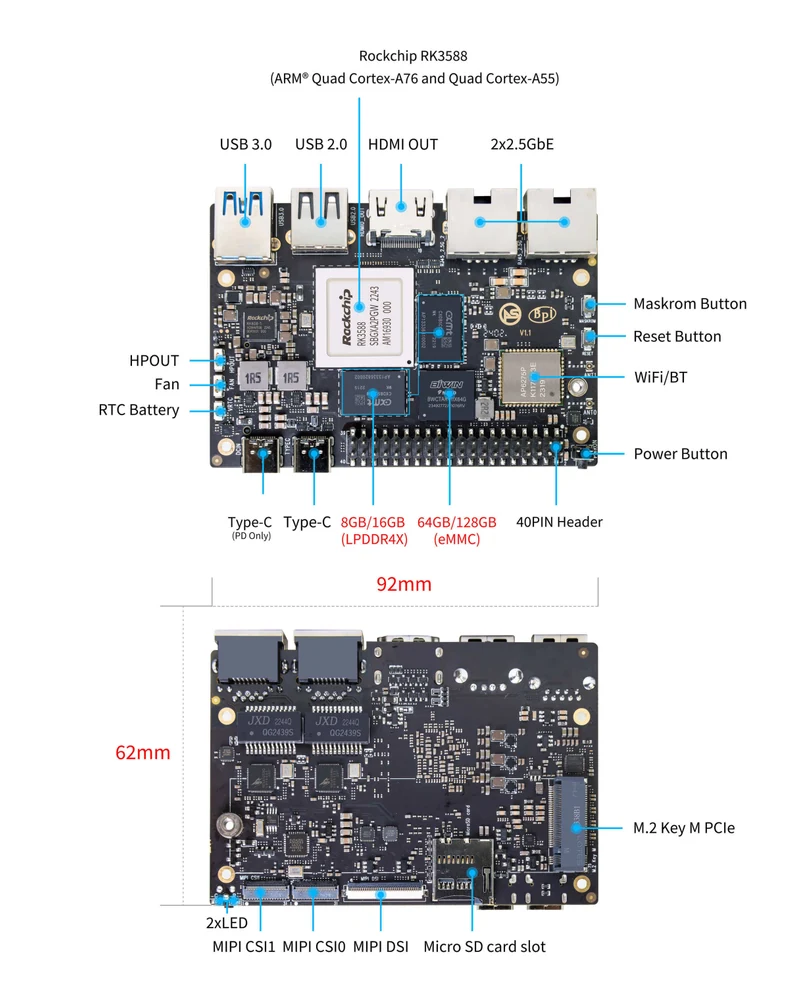
ArmSoM Sige7 board layout reference. Use the current product manual for connector and revision details.
Match the choice to your requirements
Requirement or situation | What to evaluate | Decision detail |
Pi 5 | External PCIe adapter route | Include adapter and mounting. |
OP 5 Plus / Sige7 | Documented onboard M.2 path | Check drive size and thermal clearance. |
All three | Image and bootloader support | Validate the complete configuration. |
Example design
Compare adapters as part of the NVMe system
A Raspberry Pi 5 NVMe setup generally includes a compatible external PCIe adapter, whereas some SBCs route storage to an onboard M.2 connector. Include that adapter, cable, mounting and power arrangement in the comparison. Connector convenience is a legitimate design difference, but it is not a throughput benchmark. Check whether the desired drive physically fits and whether the boot method is supported by the selected image.
Hardware and documentation
Sige7 · RK3588
RK3588, 6 TOPS NPU, dual 2.5GbE and M.2 PCIe 3.0 x4. Check the selected eMMC and wireless configuration.
Hardware documentation · Product details
Frequently asked questions
Does a faster PCIe generation guarantee faster small-file service?
No. Storage latency, software and network overhead can dominate.
Product information and support
Sources
Written by ArmSoM using the documentation below. Example designs are proposals, not measured customer installations.