

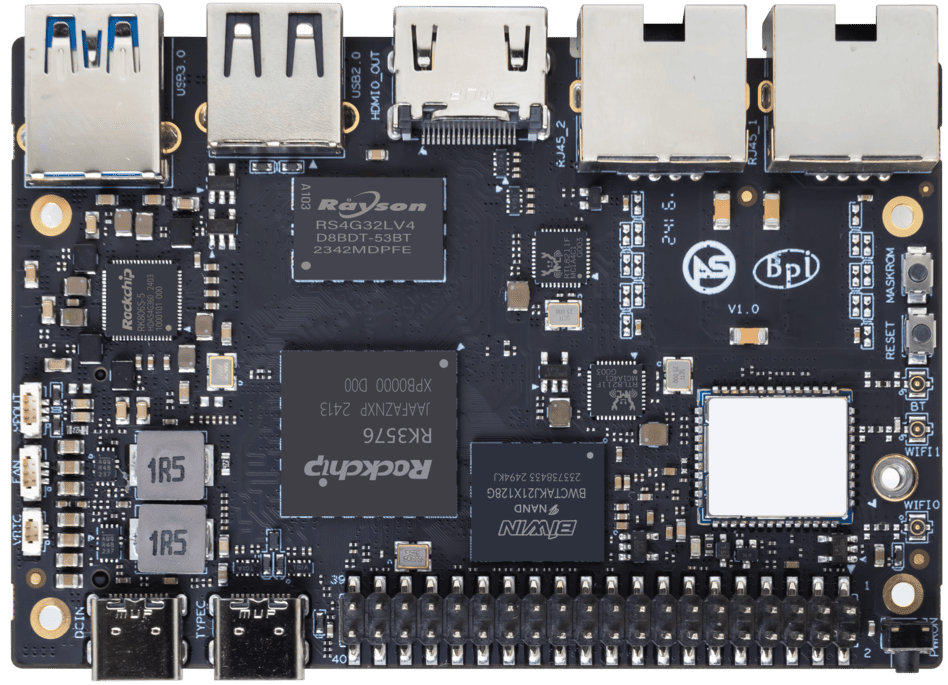
ArmSoM Sige5 product photograph.
Deploying YOLO on RK3576 is easiest to debug as a sequence of small proofs: a correct source model, a working RKNN conversion, matching results on the board and finally a live camera pipeline. Starting with all four at once makes model, runtime and capture problems difficult to separate.
This workflow applies to an RK3576 evaluation on Sige5 or CM5 with a compatible system image. It is a deployment guide, not a measured performance result for a particular model or camera.
Freeze the software inputs
Record the board revision, image, kernel, NPU driver, RKNN runtime and conversion-tool version. Save the model checksum and the repository commit used for the example. Compatibility needs to be established for that combination.
Rockchip's YOLOv8 example lists RK3576 as a supported target and uses an optimized model with a particular output structure. Use the model and matching postprocessor from the same example first. An arbitrary export from a different training package can produce different outputs.
Prove the reference model before converting your own
Set up the host environment required by your selected RKNN release. Obtain the Model Zoo repository and its example model through the upstream instructions. In the YOLOv8 Python example directory, the conversion interface supports a target, precision choice and output path.
For that example's ONNX model, an RK3576 INT8 conversion takes this form:
python3 convert.py ../model/yolov8n.onnx rk3576 i8 ../model/yolov8n-rk3576.rknnRun it from the documented example directory with dependencies and calibration files available. Preserve the conversion log. The example dataset is useful for proving the toolchain, but it does not establish acceptable accuracy for your own camera scene.
Before introducing a custom model, run the upstream Linux demo built for the board's architecture and its matching runtime. Use the example's input image and expected object classes to establish a baseline.
Validate outputs with a fixed image set
Choose a small set of representative images with known expected detections. Compare the source-model and RKNN outputs using identical resizing, color order, normalization and thresholds. Inspect boxes and class labels, not just whether inference returns successfully.
Pay attention to letterboxing. If the preprocessing adds padding, the postprocessor must map detections back to the original image correctly. Shifted or stretched boxes often indicate a geometry mismatch rather than an NPU problem.
For a custom model, replace the class labels and output interpretation consistently. Keep examples of difficult cases: small objects, poor lighting, occlusion and scenes with no target object.
Add the camera as a separate stage
First capture and inspect frames without inference. Verify resolution, frame rate and pixel format. For a MIPI camera, establish sensor, CSI and ISP operation using the board's documented camera path before involving the model.
Next feed one captured frame through the already verified preprocessing and inference path. Only then run continuously. Keep a bounded input queue so slow processing does not accumulate an increasingly delayed view of the scene.
Choose a deliberate policy when the application cannot process every frame. A monitoring application may prefer the newest frame; an inspection system may need to retain every item and control the acquisition rate. The policy belongs to the product requirement.
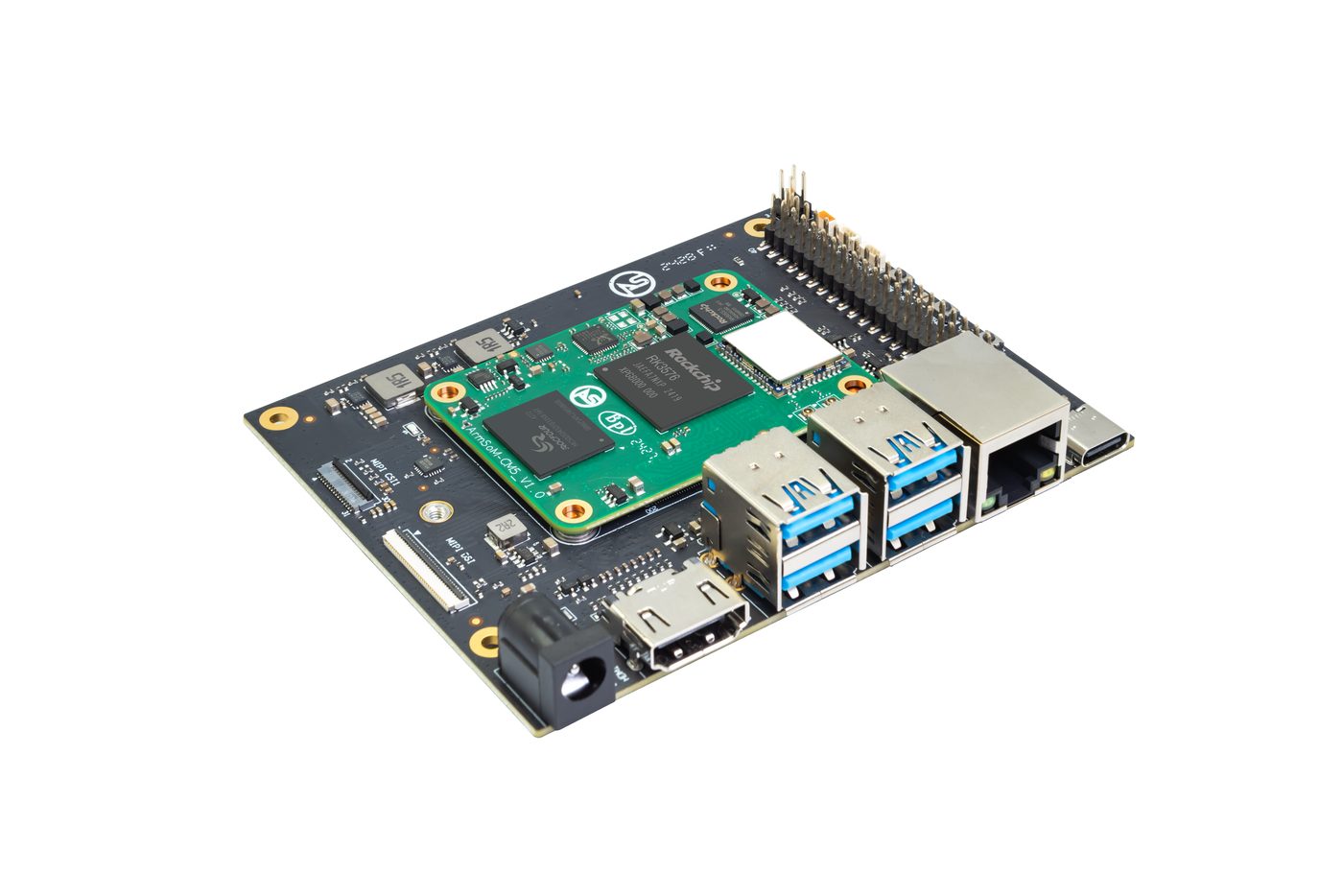
CM5 installed on the CM5 IO carrier board, an RK3576 evaluation setup. Add and validate the camera pipeline after confirming model inference. Image: ArmSoM.
Measure the complete result
Record capture-to-result latency as well as inference time. Measure preprocessing, inference, postprocessing and any display or network step separately. If inference is fast but the application is slow, investigate copies, conversions and queueing before changing the model.
Repeat with the intended enclosure and concurrent workload. Save accuracy results next to timing results so a faster model is not accepted merely because it misses more objects.
Package a reproducible deployment
Version the model, preprocessing settings, labels, postprocessor and runtime together. Add a startup self-check and useful error reporting for camera or model-loading failures. Keep a known-good deployment available for rollback.
For a Sige5 or CM5 project, share the model architecture, input size, camera type and latency target with ArmSoM. Those details make an AI hardware discussion concrete.